
From download to dinner
in 5 steps
The real flow of CookTwo. Set up once, cook every day. Here's exactly what happens when you and your partner start using the app.
Create Your Kitchen
Set up your personal profile in about 2 minutes. This is what makes CookTwo work for you specifically.
What you enter:
- Name — so your partner sees you, not "User A"
- Dietary preferences — Vegetarian, Vegan, Keto, Paleo, Gluten-free
- Allergies — peanuts, shellfish, dairy, etc.
- Body goals — Lose weight, Maintain, Build muscle, Just eat well
- Body metrics — weight, height, age, gender, activity level
Takes about 2 minutes. This feeds the AI that calculates your personalized portions.
Link With Your Partner
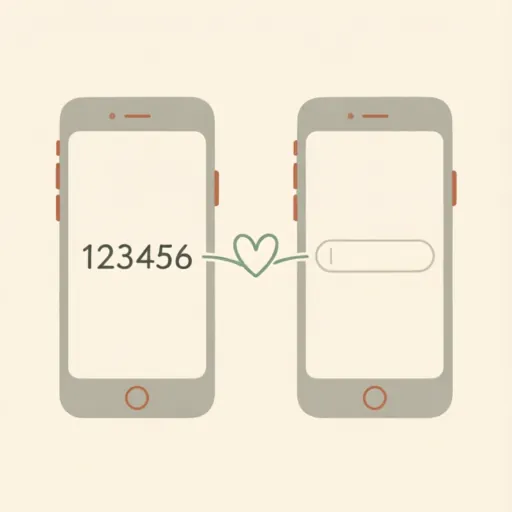
One person gets a 6-digit invite code. The other enters it. That's it — you're connected to the same household.
What happens:
- Share a 6-digit invite code with your partner
- Partner enters the code in their app
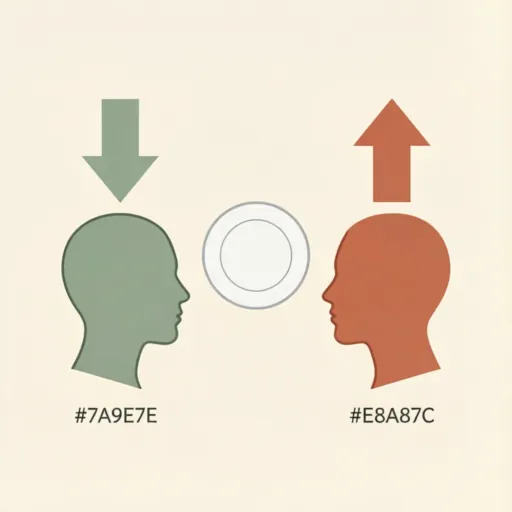
- Both profiles linked to same household
- Real-time sync starts immediately
No accounts to merge. No friction. One code, one kitchen.
Stock Your Pantry
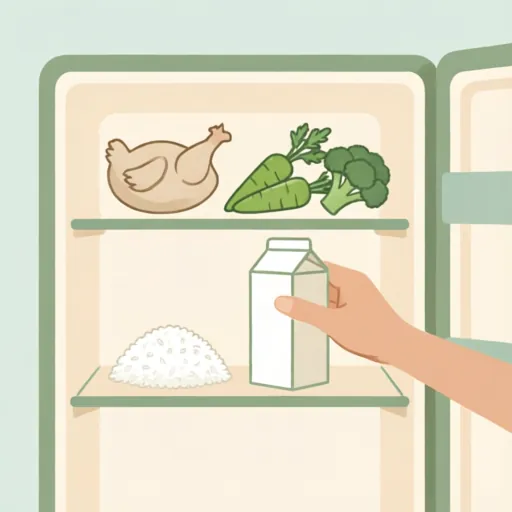
Tell CookTwo what you already have. Type naturally — the AI understands you.
How it works:
The AI parses your input, categorizes each item (Proteins, Grains, Vegetables, etc.), estimates quantities, and adds everything to your shared pantry.
Or skip this step entirely and add items later directly from your shopping list.
Natural language input. No dropdowns, no forms. Just type what you have.
Shop Together
One shared grocery list with real-time sync. Both partners see changes instantly.
What you get:
- One shared grocery list with real-time sync
- AI auto-categorizes into 7 categories (Produce, Dairy, Proteins, Grains, Condiments, Frozen, Other)
- Quick-add chips for items you buy regularly
- "Done Shopping" moves everything to your pantry automatically
Add milk at home. Partner sees it at the store. Under 100ms sync.
Cook Together
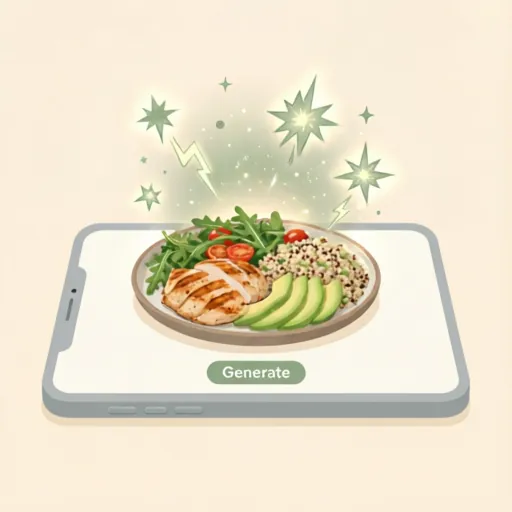
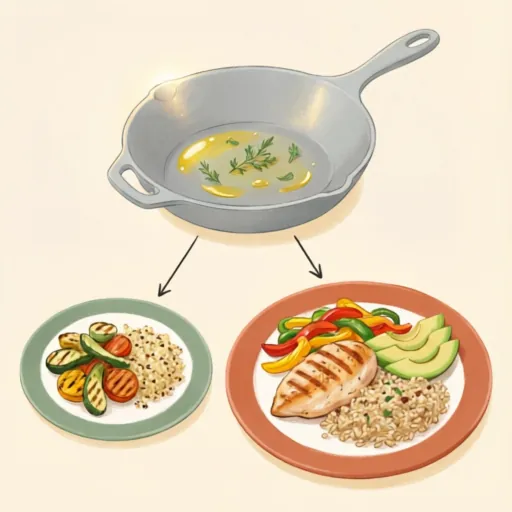
Generate a meal via AI chat. Get personalized plating per partner. Same recipe, different portions, different macros.
The magic moment:
- Chat with AI: "What can we make with chicken and rice?"
- AI generates a recipe using your pantry items
- Each partner gets personalized portions based on their goals
- Same recipe, different macros — cook once, eat together
Cook one meal. Plate it two ways. Everyone hits their goals.
Set up once. Cook every day.
CookTwo gets smarter the more you use it. Here's the self-reinforcing cycle that runs in your kitchen.
Your Pantry
What you have right now
AI Suggests Meals
Based on what's in stock
Missing Items → Shopping List
Auto-added when meal is generated
Shop Together
"Done Shopping" moves to pantry
The cycle repeats. Your pantry gets smarter. Meals get better. Zero waste.
Ready to cook together?
Set up your shared kitchen in under 5 minutes. Start with the free tier — no credit card needed.
Get Started Free